
PonyBuy Spreadsheet
Find the piece. See the details.
Search the PonyBuy spreadsheet for shoes, clothing and everyday finds. Compare photos and available QC, then take the original item to PonyBuy.
Image searchFresh finds to explore
Browse all finds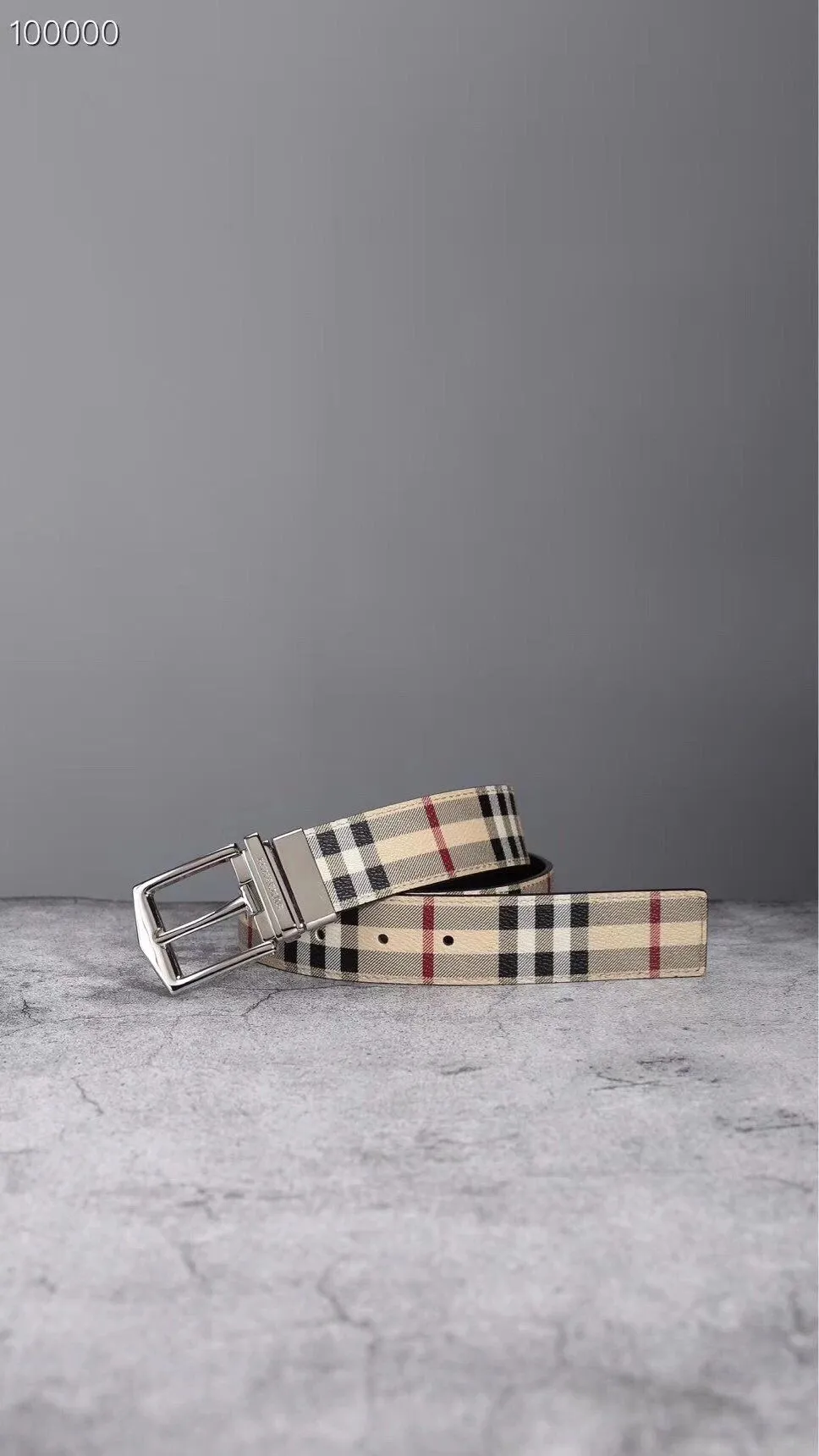
Reversible Checkered Leather Belt
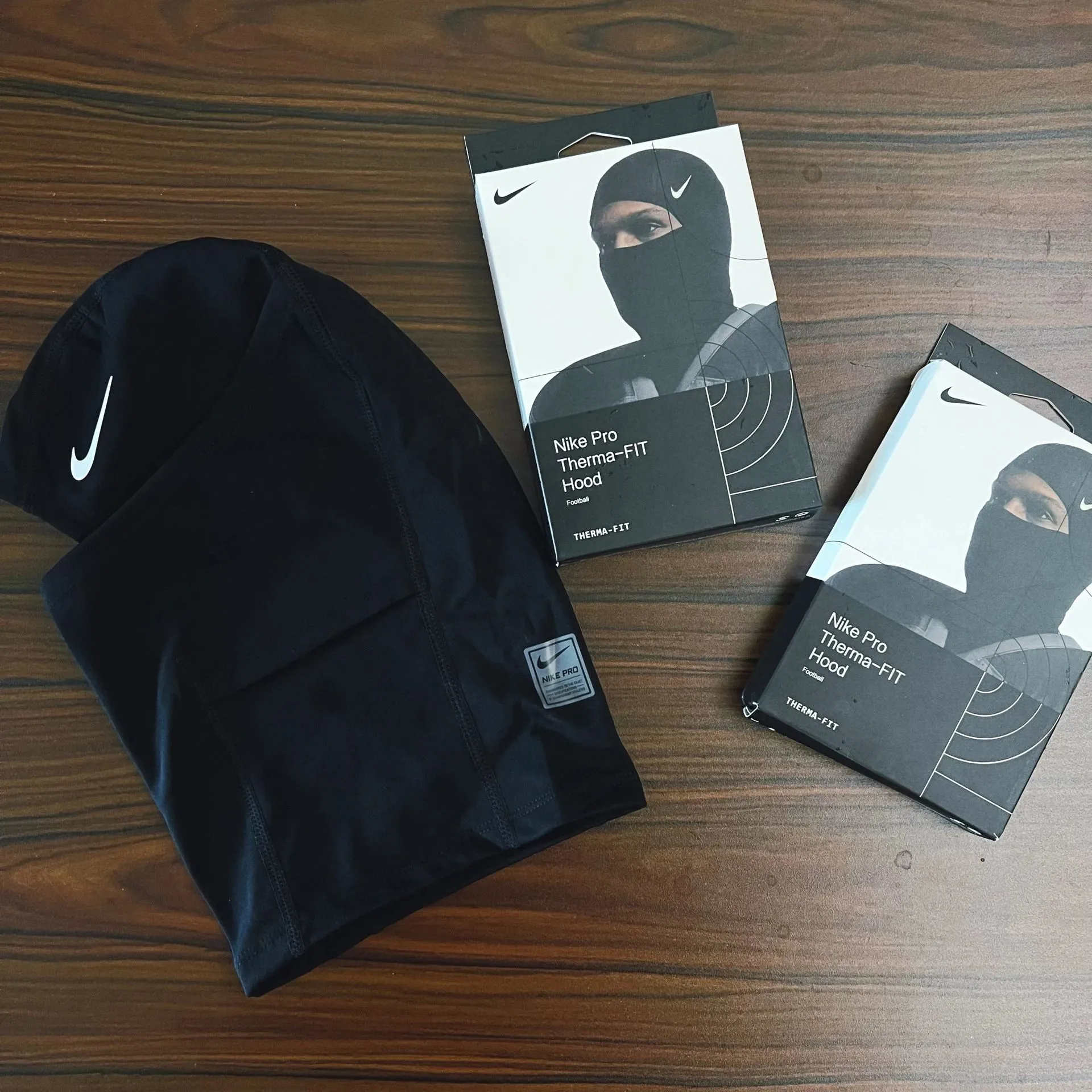
Nike Pro Therma-Fit Hood
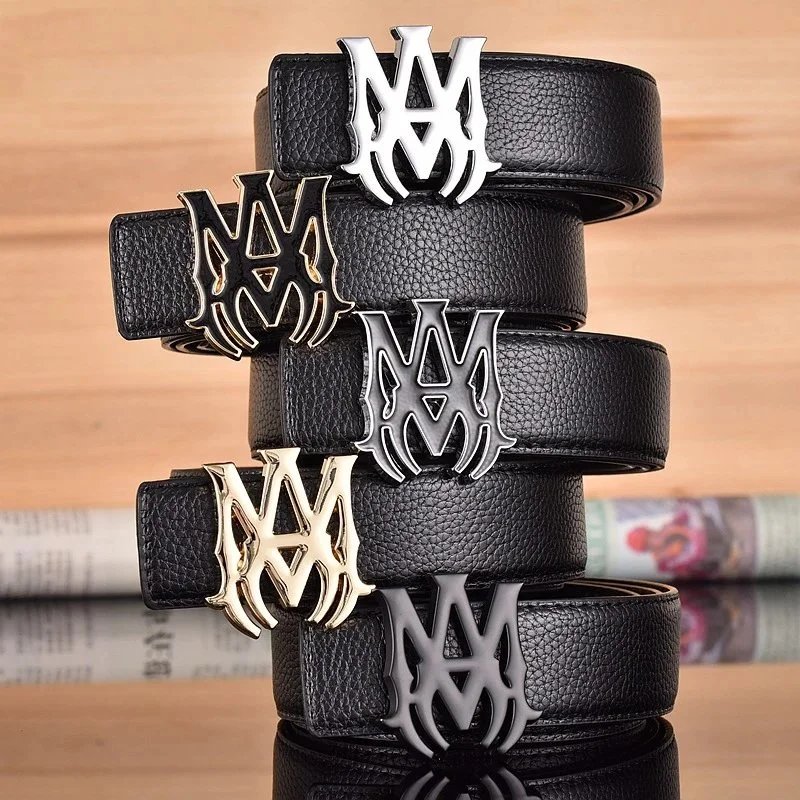
Black Leather Belt with Ornate 'M' Buckle
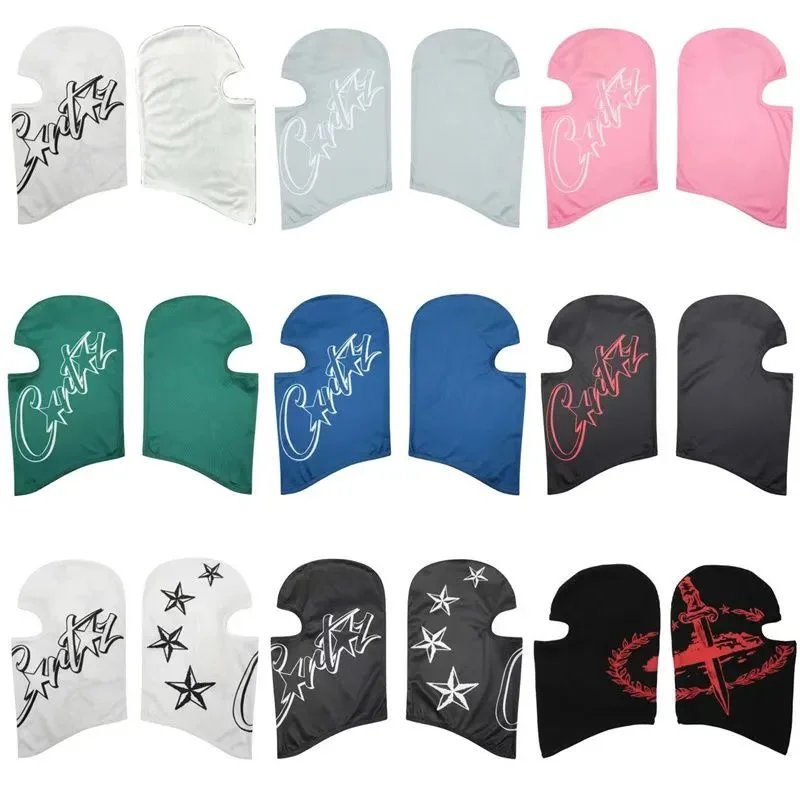
Corteiz Face Mask
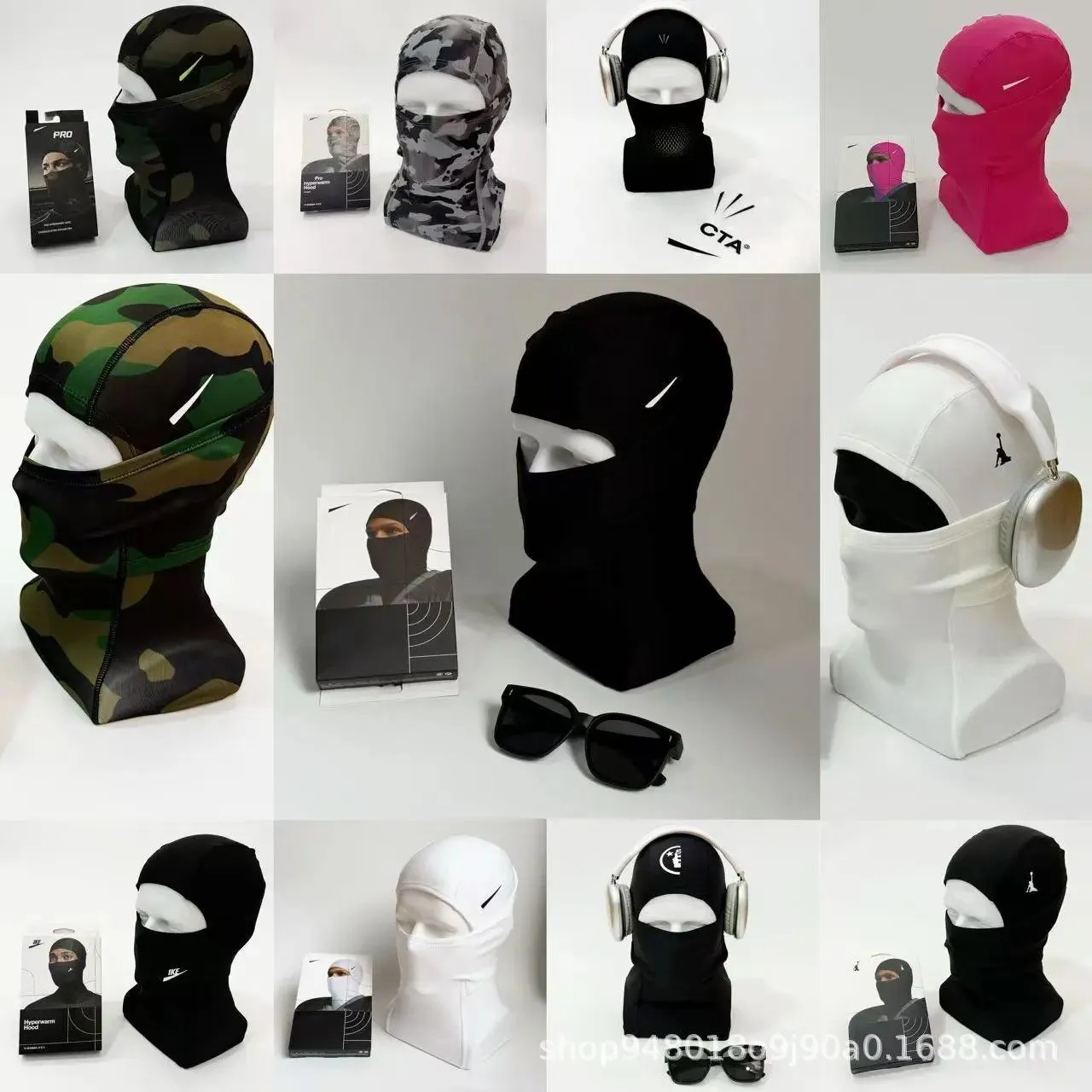
Balaclava Face Mask
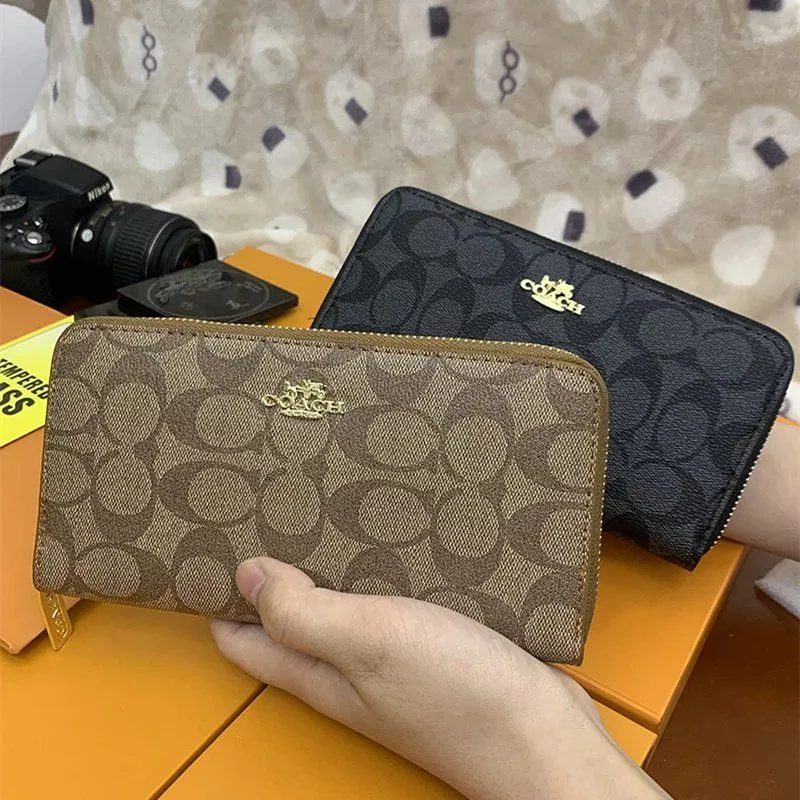
Coach Signature Zip-Around Wallet
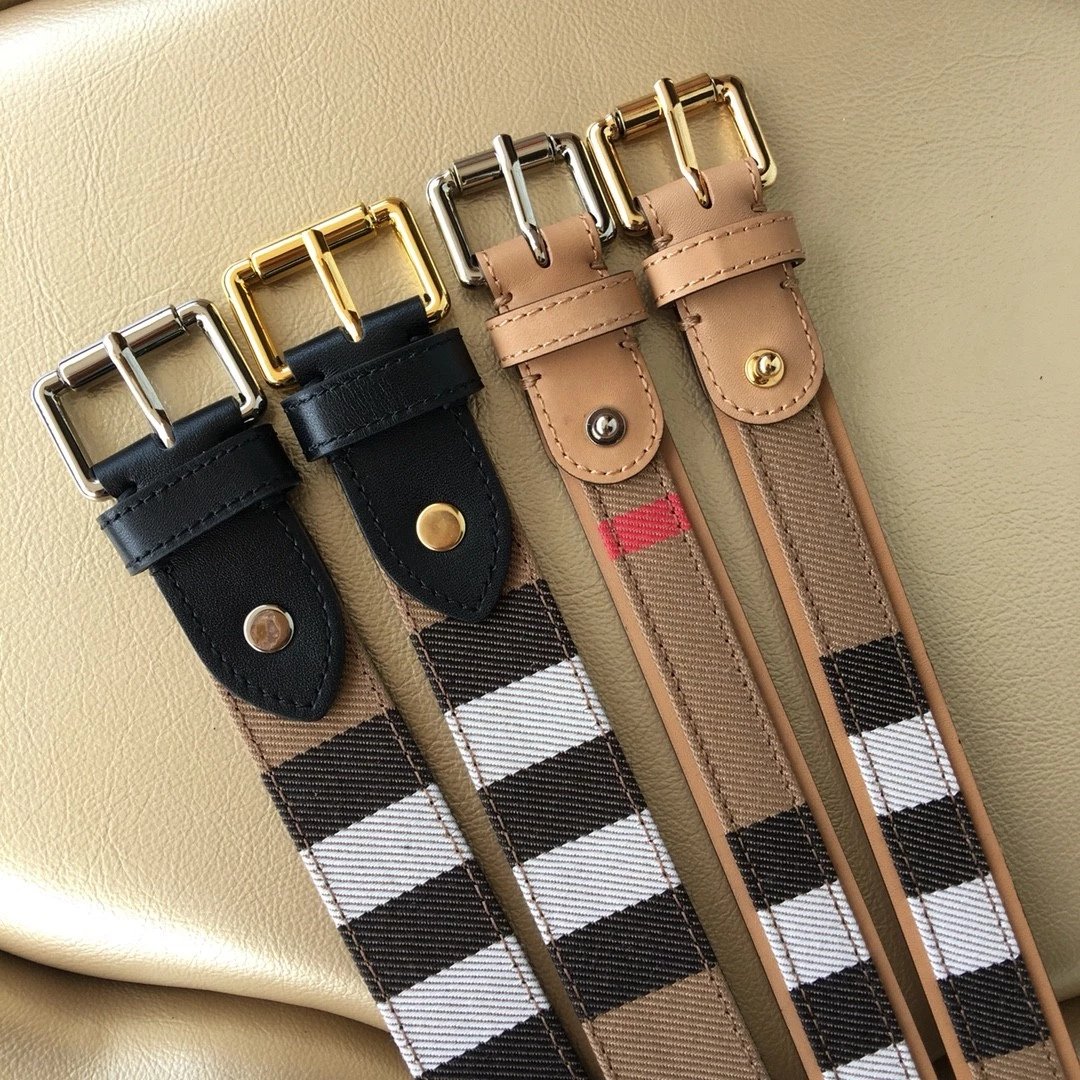
Burberry Check Pattern Belt
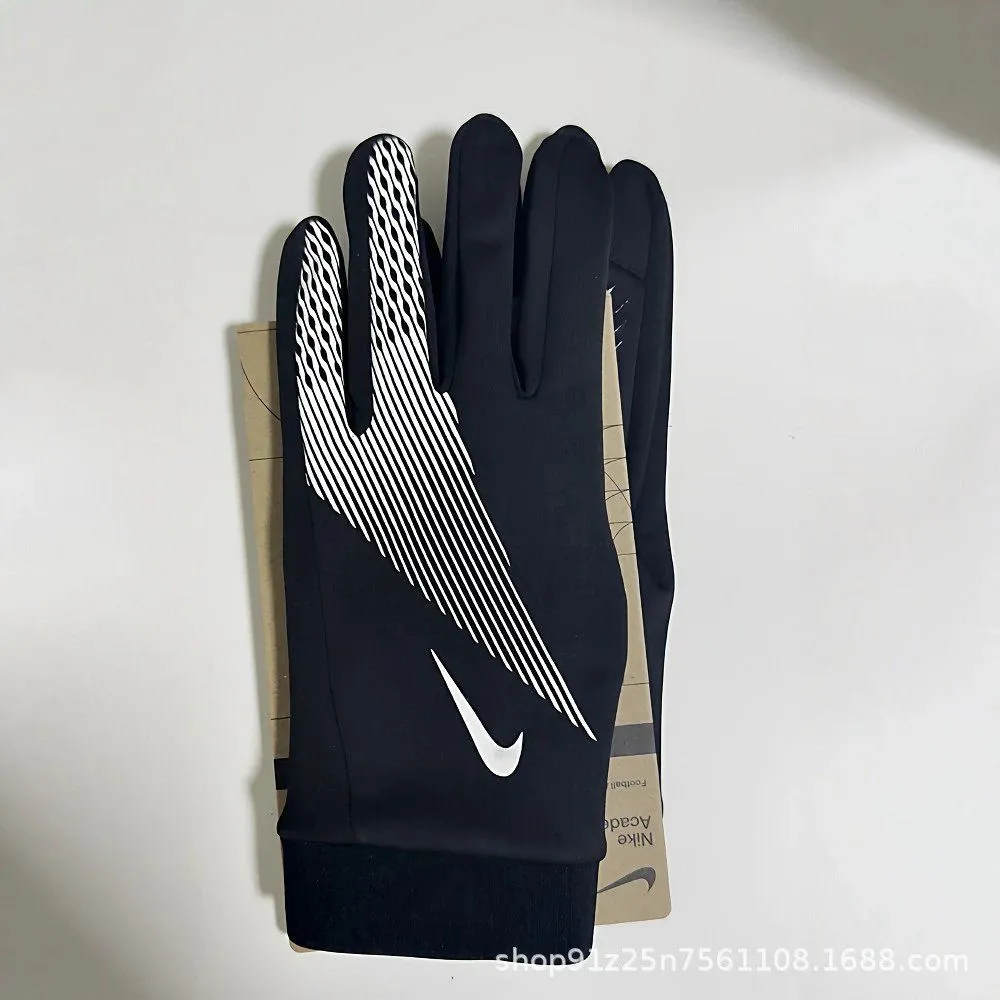
Black Nike Football Gloves
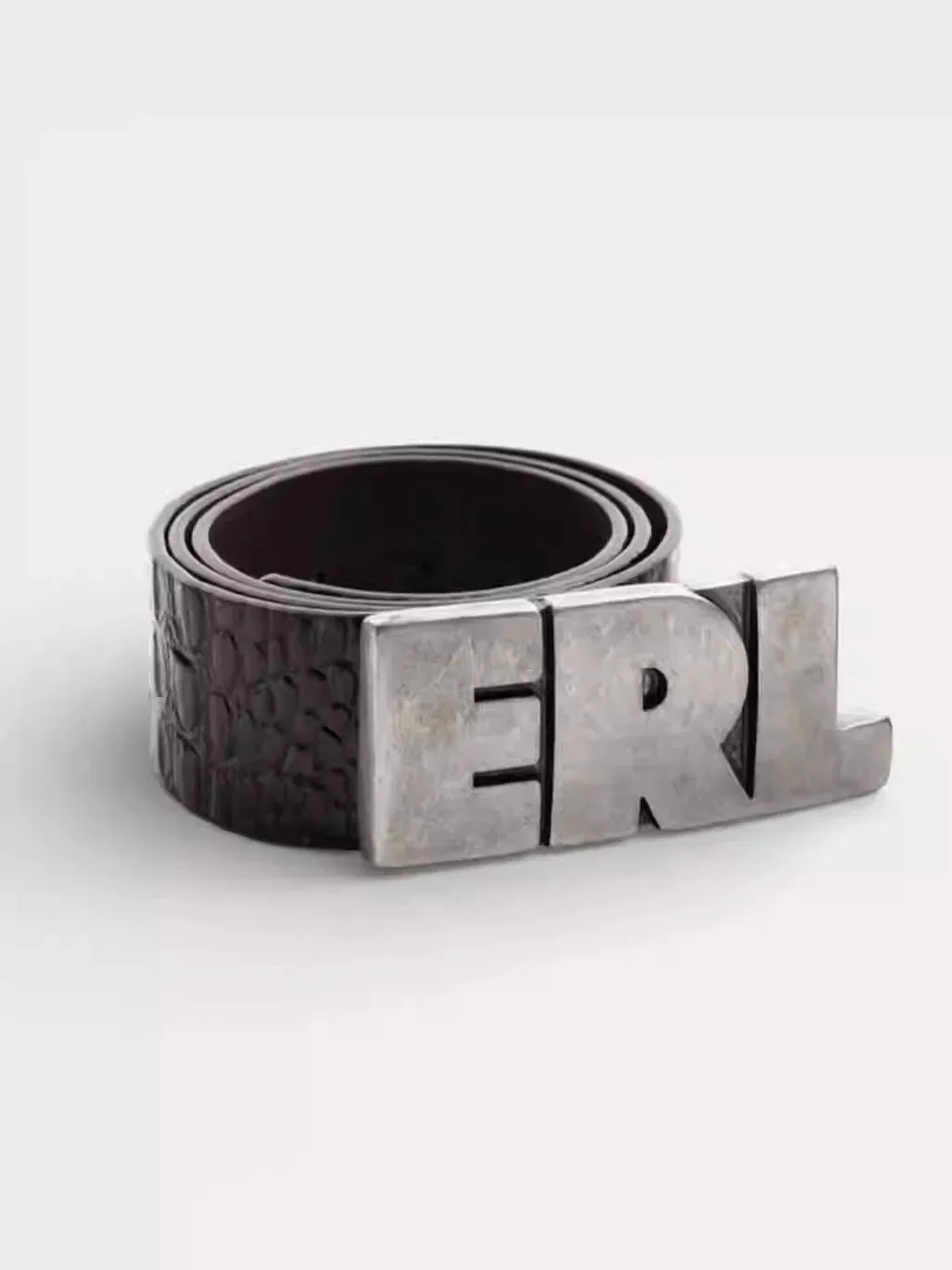
Black Crocodile Texture Belt with ERL Buckle
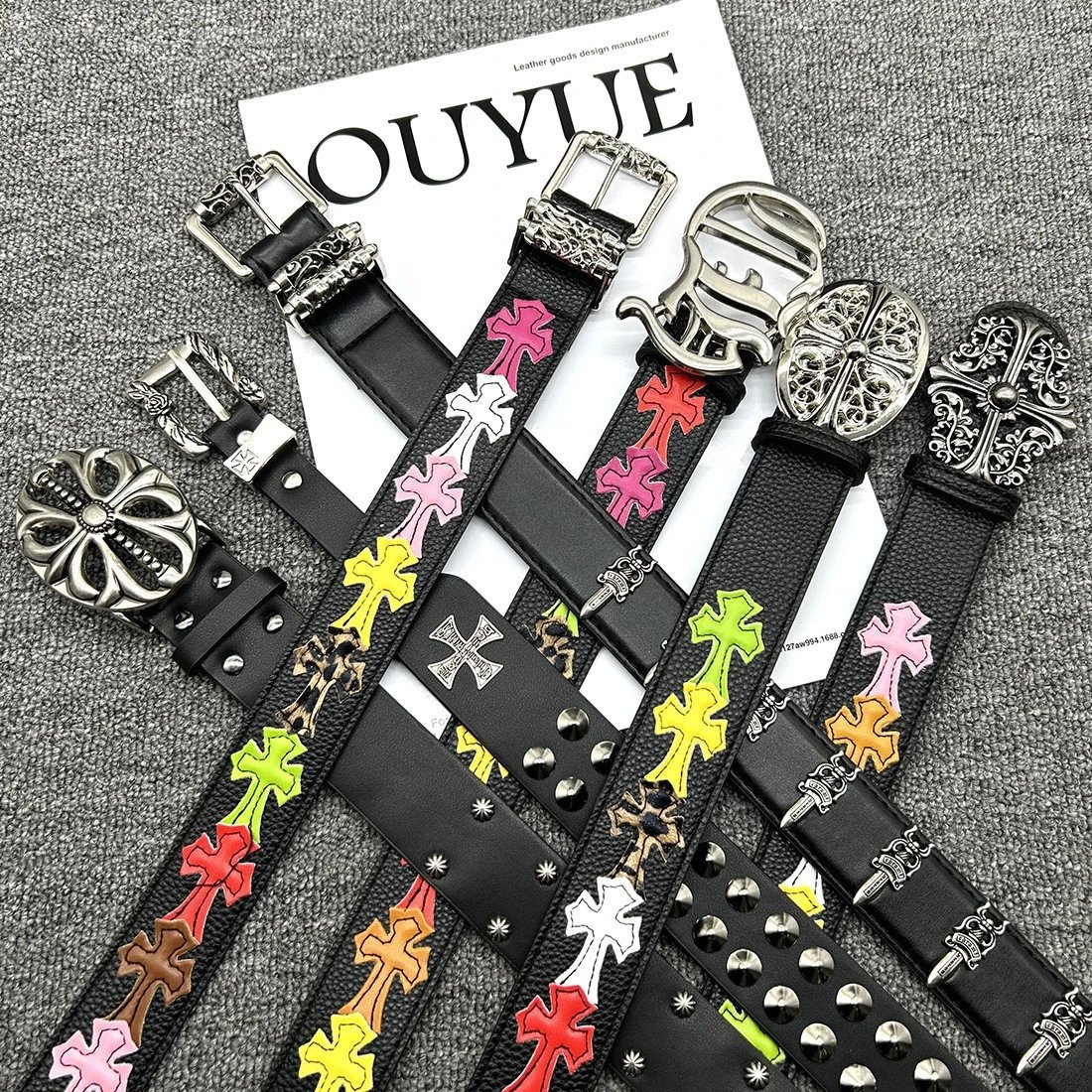
Cross Embellished Leather Belts
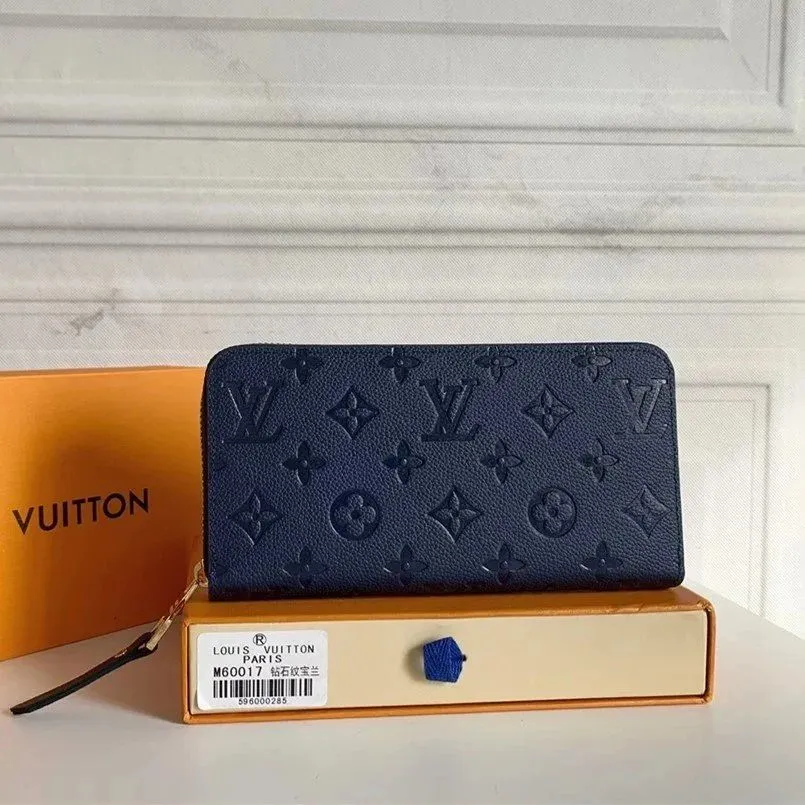
Louis Vuitton Monogram Embossed Wallet
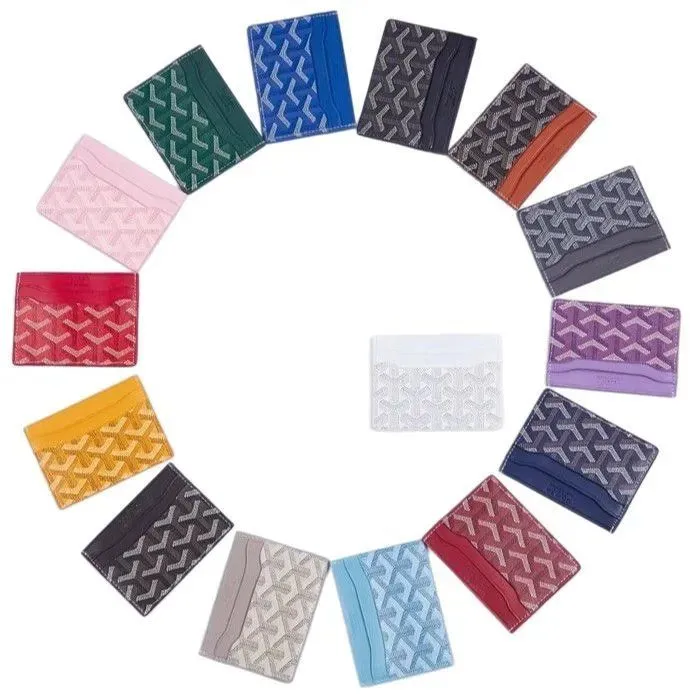
Goyard Card Holder Wallet
Find your category
CategoriesShoes
Browse sneakers, everyday shoes and boots. Compare the toe, panels and outsole in the product photos before checking the size options on PonyBuy.
Tops
Look for tees, shirts, hoodies and knitwear. A short model name or recognisable print helps narrow the collection to the piece you remember.
Bottoms
Explore trousers, denim and shorts. Open the pictures to compare the leg shape, pockets and finish, then check the destination measurements.
Outerwear
Find jackets and coats in their own collection. Compare the collar, fastenings and lining across the available views.
Sets
Keep matching pieces together while browsing. Confirm on PonyBuy whether the selected option includes a full set or just one piece.
Underwear
Browse socks and everyday base layers. Check the photographed style and the pack quantity before choosing an option.
Accessories
Discover bags, hats, belts and smaller details. Compare proportions and hardware in the gallery, and check the actual dimensions.
Electronics
Search by device or model for a more precise result. Check connectors, compatibility and included parts on the current listing.
Other
Explore useful finds outside the clothing collections. Use the available images to compare the object, then confirm dimensions and materials.
Questions about PonyBuy finds
Where should I start in the PonyBuy spreadsheet?
Type a name or model into search, or choose a department. Open an item to compare its pictures, reference price and available QC before following the PonyBuy link.
Can I find sneakers, hoodies and bags separately?
Yes. Shoes contains sneaker collections, Tops includes hoodies and shirts, and Accessories contains bags. The category directory links each department to its more focused collections.
What happens when I change a filter?
Category, brand and sort choices update the list immediately. Search and other active choices remain in the address when you change pages; remove a filter or reset the list to broaden the results.
Can I use a picture instead of a product name?
Choose image search and upload, drop or paste a photo. Look through the similar results and compare the item details; a visual match does not confirm an identical product.
What do the style thumbnails do?
They change the picture preview. They do not reserve an option or select a size for checkout. Choose the actual style, size and quantity on PonyBuy.
Are these QC photos from my order?
These are existing reference photographs associated with a listing. Your own order inspection happens separately through the agent, and a reference photo cannot guarantee a future item’s condition.
Why can the displayed price change?
The list shows a reference item price converted into your chosen currency. The destination page may have different prices for individual options; confirm the current selection there.
Does the purchase link keep the same item ID?
Supported Weidian listings open the same original item on PonyBuy using its numeric item ID. Registration and purchase links keep our invite code. This is an independent discovery site.
Can I save the seller’s original link?
Use the copy source control in the item details. You can check the original item ID or paste that link into the agent if its product page needs another attempt.
Where can I manage an order?
Accounts, orders, payments and parcels are handled on PonyBuy. Contact its support with your order reference for order-related questions.